Physical Address
304 North Cardinal St.
Dorchester Center, MA 02124
Physical Address
304 North Cardinal St.
Dorchester Center, MA 02124

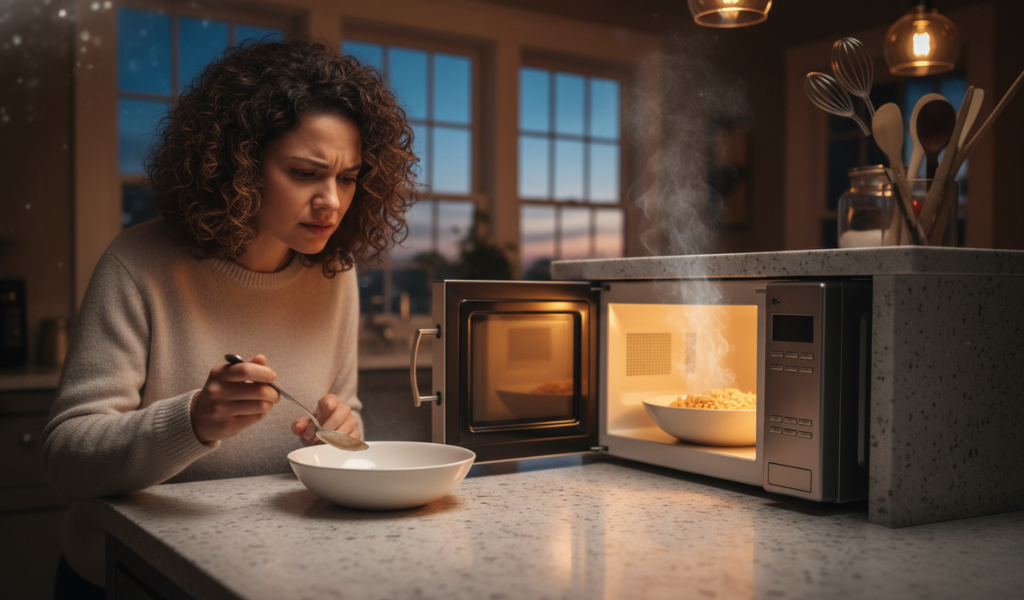
We’ve all been there. You’ve had a long day, you pop a bowl of leftovers into the unit, set the timer, and wait for that familiar “beep.” But when you open the door, your bowl is cold, and your dinner is ruined. A microwave not heating is one of the most frustrating kitchen hiccups you can face. It disrupts your routine, ruins your meal prep, and leaves you wondering if you’re about to drop hundreds of dollars on a new appliance.
Whether you are dealing with a microwave heating issue, a strange microwave noise, or a flickering microwave light, these problems usually signal that an internal component has reached its limit. While a microwave oven not heating might feel like a sign to go shopping for a new one, many of these issues are actually common—though some require a professional hand.
In this guide, we will break down exactly why your microwave is acting up, the science behind the heat, and how to safely navigate the repairs to get your kitchen back to full speed.
Why Does the Microwave Not Heating?
A microwave not heating is usually caused by a faulty magnetron, bad door switch, blown diode, control board failure, or power supply issue. First, reset the microwave, check the door latch, and test a different outlet.
Before we dive into the technical details, we have to talk about safety. Unlike a toaster, a blender, or even a large oven, a microwave is a high-voltage machine that operates differently than almost any other household gadget. It contains a high-voltage capacitor that stores a ‘’high-voltage charge’’ even after the machine has been unplugged for some time.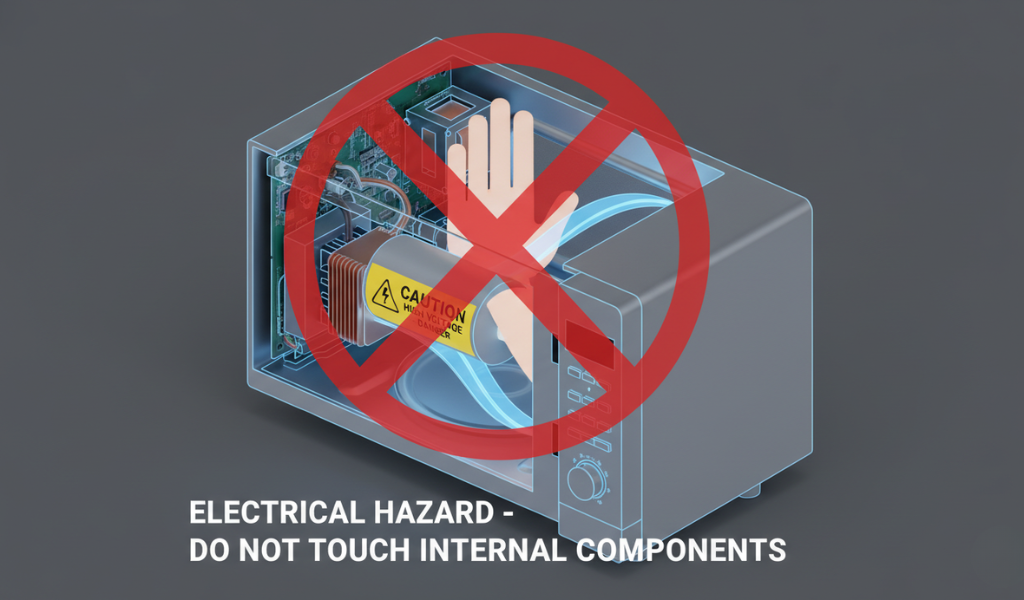
Warning: Unless you are a certified electrical technician, never open the outer casing of your microwave. For the average DIYer, troubleshooting should be limited to checking settings, cleaning the door latches, or resetting the power at the wall outlet. If the fix requires removing the outer cover, it is time to call a professional. Your safety is worth more than the price of a new appliance.
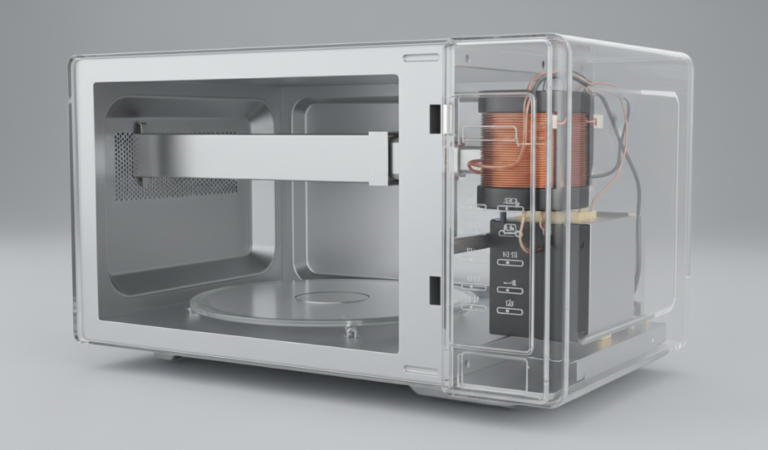
To understand why a microwave not heating occurs, you first need to understand how it is supposed to heat. Inside the box, a component called a magnetron sends out electromagnetic waves. These waves bounce off the metal walls and pass through glass or plastic to reach your food.
Once they hit the food, they target water molecules. Water molecules are “polar,” meaning they have a positive and negative end—much like a magnet. The microwaves flip these molecules back and forth billions of times per second. This rapid movement creates friction, and friction creates heat. If any part of this “relay race” of energy is broken, your food stays cold.
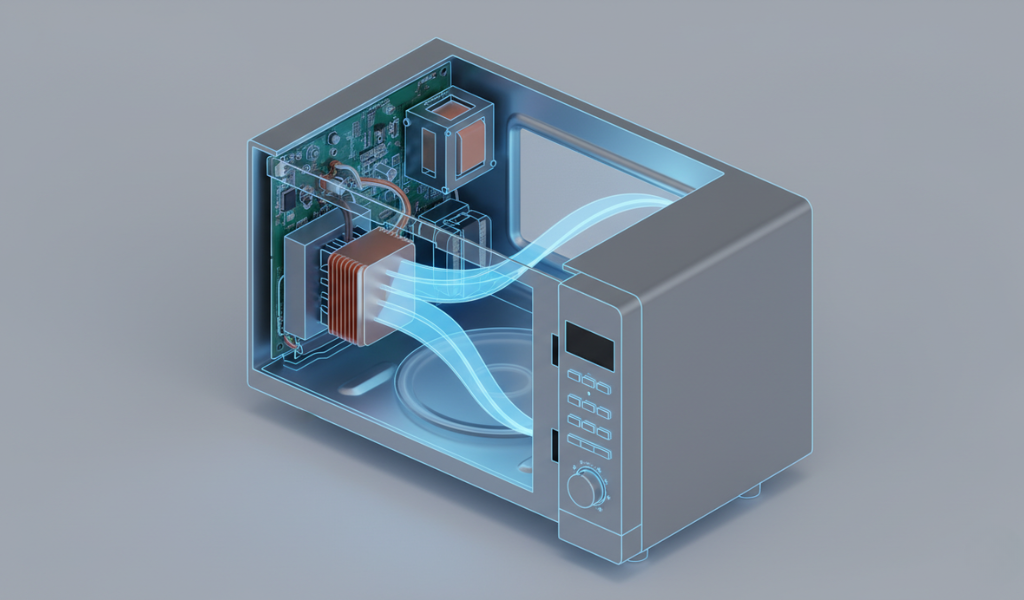
When someone complains about a microwave not heating, the magnetron is almost always the prime suspect. Think of the magnetron as the engine of the car. If the engine doesn’t fire, the car doesn’t move.
If your microwave sounds like it’s running—the plate is spinning, the fan is blowing, and the microwave light is bright—but the food stays ice-cold after three minutes, the magnetron has likely burned out.
Believe it or not, a microwave heating issue is often caused by a simple $10 plastic switch rather than a complex engine. Most modern microwaves have three or four “interlock” switches hidden behind the front panel. These are safety features designed to ensure the radiation stays inside the box. If even one of these switches fails to click into place, the microwave will refuse to start the heating process as a safety precaution.
The capacitor works in tandem with the transformer and the diode to double the voltage coming from your wall outlet (usually 120V or 240V) to the massive amount required by the magnetron (often 3,000V to 5,000V). If the capacitor dies, the magnetron never receives the “spark” it needs to create waves.
A bad capacitor often results in a very loud, jarring microwave noise, specifically a growl or a heavy vibration. In some cases, the microwave might even blow the house circuit breaker the moment you hit “Start.”
If your food is getting lukewarm but you hear a constant, annoying buzzing, your power diode might be on its way out. The diode is a one-way street for electricity. It ensures that the current flows in the right direction to keep the voltage high.
When a diode shorts out, you lose that voltage-doubling effect. Without enough power, your microwave oven not heating efficiently becomes a daily struggle. You might notice that a cup of water that used to take 60 seconds to boil now takes three minutes and only gets “muggily” warm.
Microwaves are designed to shut down if they get too hot to prevent a fire. This is managed by the thermoprotector (sometimes called a thermal cut-off). This is a small disc-shaped sensor that sits near the magnetron or the oven cavity.
Think of the main control board as the “brain” of the appliance. If the brain is confused, the body won’t work. The control board contains relays that send electricity to the rest of the components. If the relay that controls the magnetron gets “stuck” or burns out, the board can’t tell the microwave to start cooking.
Symptoms of a Bad Board:
Sometimes, the solution is much simpler than a broken part. If you see “PF” or a flashing “8888” or “12:00” on your screen, your microwave has experienced a power surge or a brief outage. During these events, the digital logic can sometimes get “stuck.”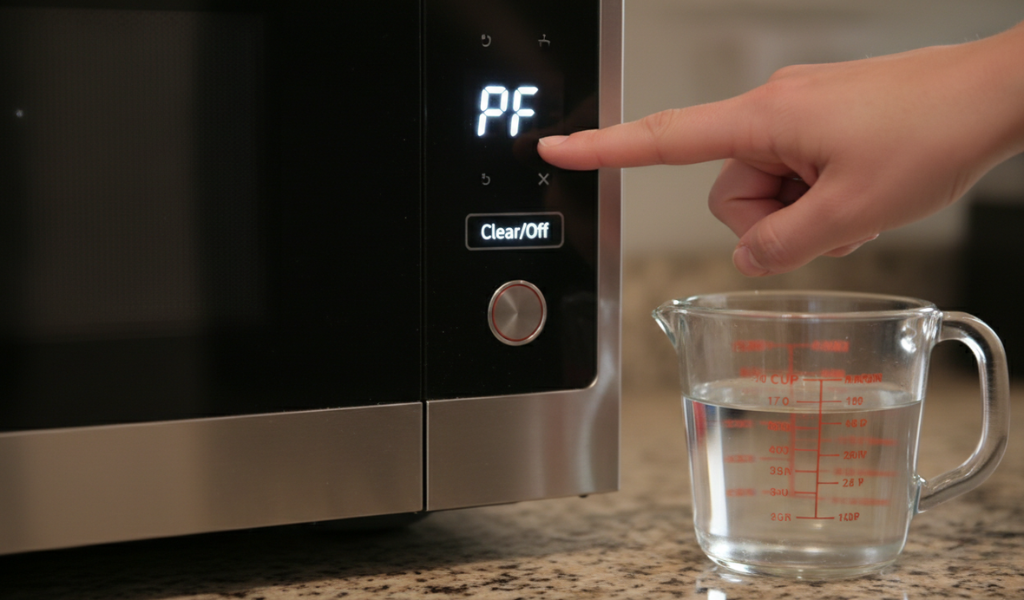
Is a dim microwave light a sign of a disaster? Not necessarily.
Many people notice the light dims when they change the power level to 50%. This is actually normal behavior for many models! At lower power levels, the microwave doesn’t actually lower the “intensity” of the waves; it simply cycles the magnetron on and off. When the magnetron is “on,” it draws a massive amount of electricity, which can cause the light to dip slightly—much like how your car headlights might dim when you start the engine.
When to Worry: If the light flickers violently, or if it dims while the microwave is on 100% power, you might have a weak household circuit. Microwaves should ideally be on their own ‘’dedicated 20-amp circuit’’. If your microwave is sharing a plug with a refrigerator or a toaster, the “microwave oven not heating” could be due to a lack of available amperage.
The Triac is an electronic component on the control board that acts as a high-speed switch. It’s what allows the microwave to cycle the power.
If your microwave only works on “High” and refuses to defrost (which requires cycling), or if it turns on the moment you close the door without you touching a button, the Triac is likely shorted. This is a serious safety hazard. If your microwave starts heating on its own, ‘’unplug it immediately’’ and do not use it until a technician looks at it. A microwave running with nothing inside is a fire waiting to happen.
While not directly related to the “generation” of heat, a broken turntable can lead to the perception of a microwave not heating. If the glass plate doesn’t spin, the microwaves hit the same spot over and over. This results in food that is “lava hot” on one side and “frozen solid” on the other.
This is the age-old question for any homeowner. Because microwaves have become relatively affordable, the math of repair is tricky.
To avoid the dreaded microwave heating issue in the future, follow these simple maintenance tips:
A microwave not heating doesn’t always mean your appliance is destined for the landfill. From simple fixes like resetting a power code or cleaning a sticky door latch to more complex issues like a failing magnetron, understanding the “why” is the first step to a solution.
If your microwave is making a strange microwave noise or has a persistent microwave heating issue, evaluate the age and value of your unit. Technology has come a long way; modern units are quieter, more efficient, and often have better sensors for even cooking. However, for a high-quality machine, a quick part swap by a pro can save you hundreds of dollars and keep a perfectly good appliance out of the waste stream.
Ready to fix your kitchen woes? If the simple resets and cleaning didn’t work, call a local appliance repair expert today to get your microwave back to its prime. No one should have to endure cold leftovers!
Why is my microwave running but the food is still cold?
This is most commonly due to a failed magnetron or a blown high-voltage diode. The microwave is getting power to the peripheral systems (fan, light, motor), but the component that actually generates the heating waves has failed.
Is it worth repairing a microwave oven, not heating?
For basic countertop models, usually not. The cost of a service call plus parts often exceeds $150. For built-in or over-the-range units that cost $500 or more, a repair is almost always the smarter financial move.
Can a blown fuse cause a microwave to stop heating?
Yes. Microwaves have several internal fuses, including a main power fuse and a thermal fuse. If a power surge occurs or the unit overheats, these fuses blow to prevent a fire. Usually, if the main fuse blows, the entire unit will appear “dead” with no lights or display.
Why does my microwave make a loud buzzing noise but won’t heat?
A loud buzzing or vibrating sound is a classic symptom of a failing high-voltage transformer or a shorted capacitor. It means the electrical system is under massive stress but can’t convert that energy into microwaves.
My microwave sparks even when there is no metal inside. Why?
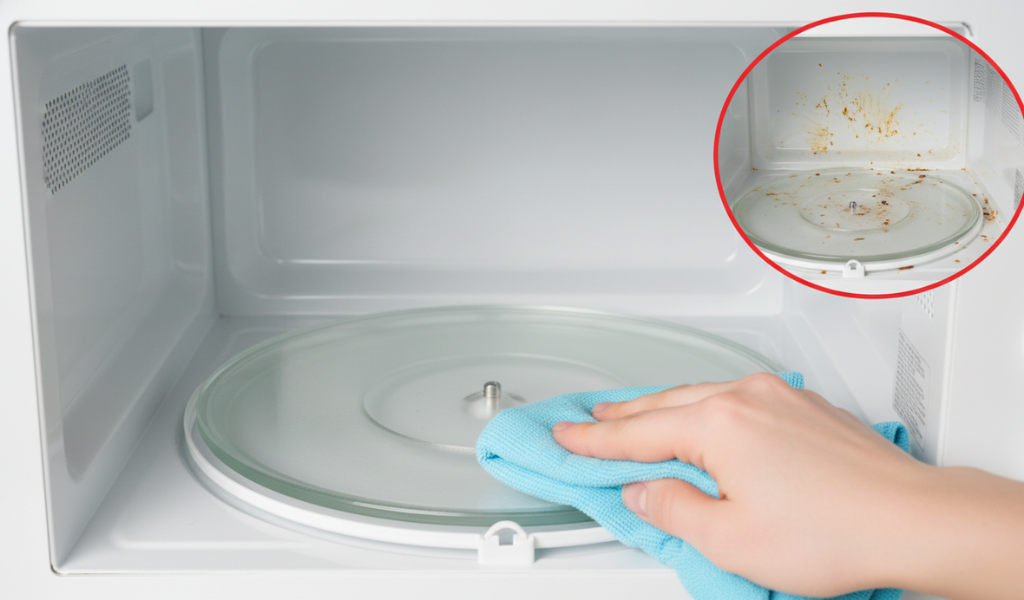
This is usually caused by food residue stuck on the “waveguide cover” (the small panel on the inside wall). The food carbonizes and begins to conduct electricity, creating sparks. Clean the area or replace the cover immediately to prevent magnetron damage.